Coming Soon: Coding with Finch is a Snap!
Create a Pathfinders account. 2. Once logged in, visit the here and then create an account at to find registration details for your course of interest!
Create a Pathfinders account. 2. Once logged in, visit the here and then create an account at to find registration details for your course of interest!
Students from the Oneida Library to practice their skills in American Sign Language and robotics/coding! The school-public library partnership is being supported through the Ellen Dupree (NYSSD) and This post …
Infosys Foundation USA and is available on their website. To access the course: 1. Sign up at direct link to the course page. Python with the Finch Robot is …
Makecode offers a great set of tools for remote teaching that apply well to a 1:1 scenario where all your students have a robot at home, or to a Important …
BirdBrain Technologies’ mission is to inspire deep and joyful hands-on learning in all students. BirdBrain Technologies cultivates creativity and makes abstract concepts hands-on by providing flexible and inspiring classroom tools: …
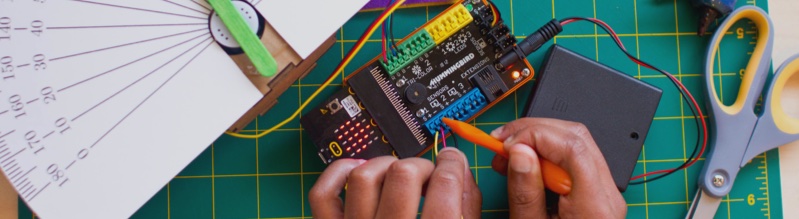
The media kit has high resolution images of the Finch Robot and Hummingbird Robotics Kit, BirdBrain Technologies’ logos, and images of our robots being used in classrooms and workshops.
It’s February, and love is in the air! Instead of plain old word searches and coloring pages, why not spice up your Valentines Day activities with some robotics? Here are …
Explore our resources to find inspiration or build your customized plan for teaching with the Finch.
This spooky little styrofoam jack-o-lantern is a great basic project to get students exploring LEDs. With only a few materials, this easy project turns into a friendly, customizable pumpkin face …